Start with text
Describe one visible moment, the subject, the motion, and the camera direction.
Begin with a prompt or a still image, then direct the movement and camera. Veo 3.1 Lite is ready by default, and you can try your first clip free.
Text to video · image to video
The simplest brief names one visible action and the camera that follows it. Add a starting image when the subject or composition is already set.
Describe one visible moment, the subject, the motion, and the camera direction.
Upload a still when the opening frame or visual identity should guide the clip.
Switch between available models and review the settings before generating.
Make a short first version, watch it, and refine one part of the brief at a time.
AI video ideas
These planning visuals illustrate different video briefs; they are not clips from the selected model.
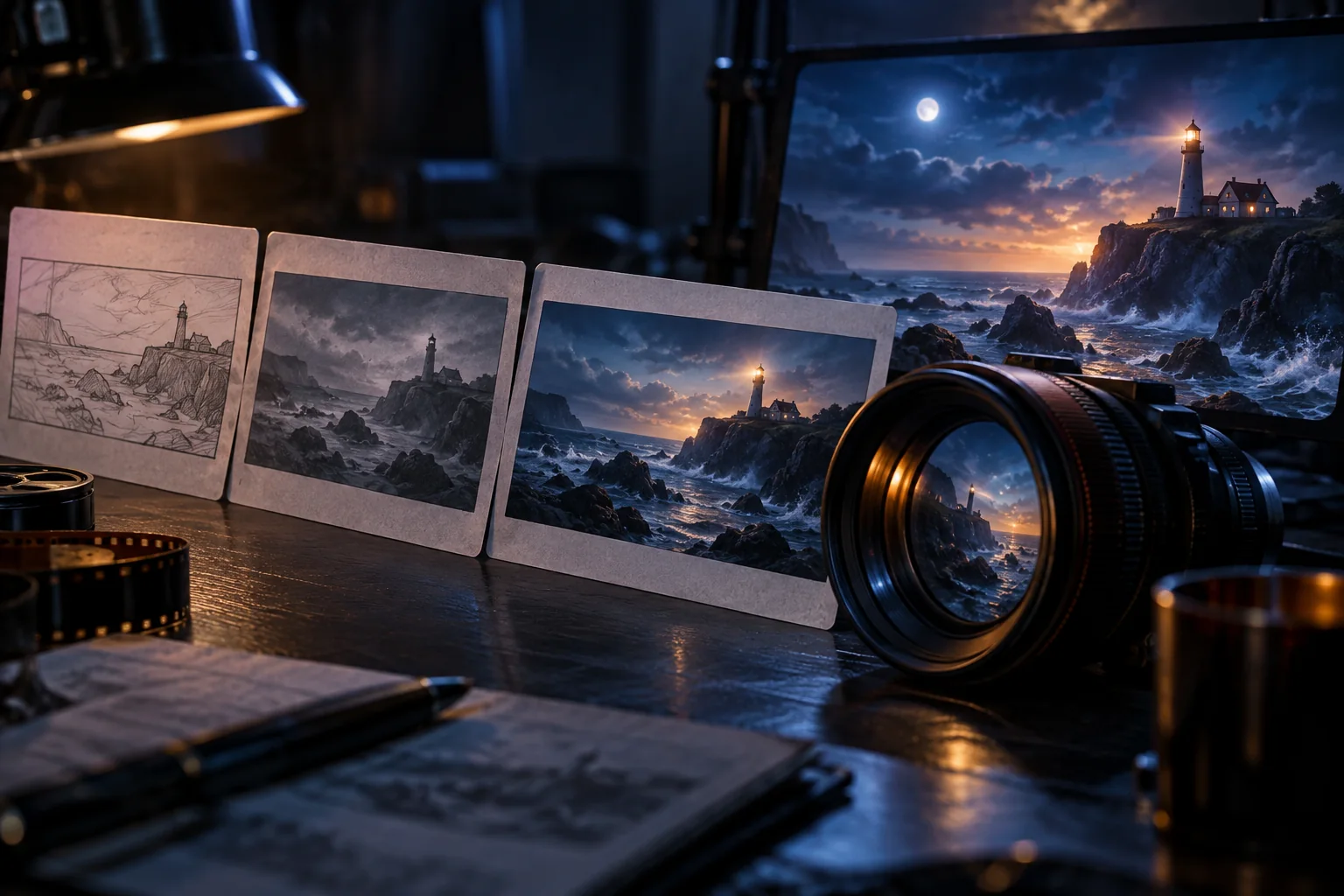
Describe a subject, one action, and the lens movement that reveals it.
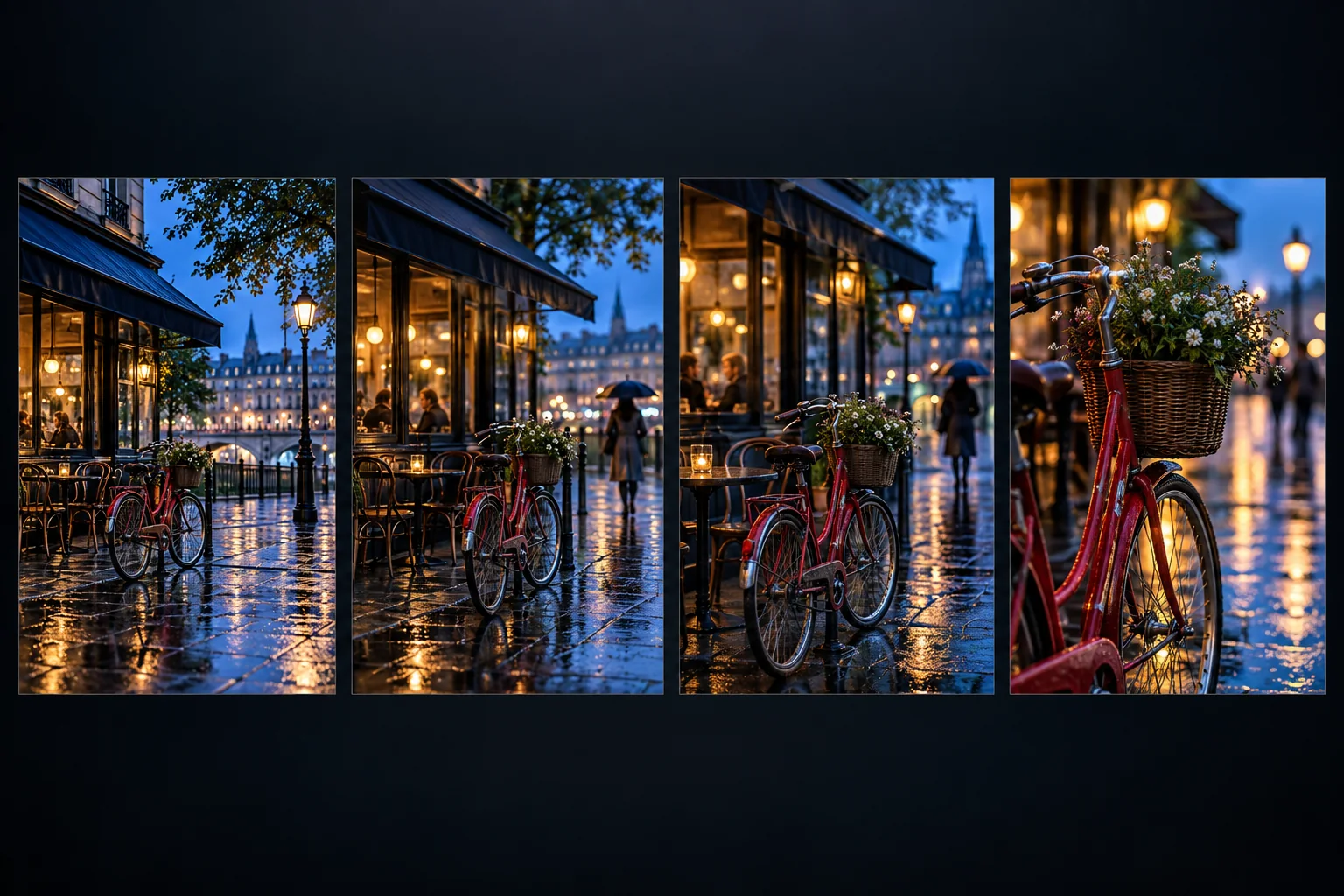
Use a reference image to protect the opening look and framing.
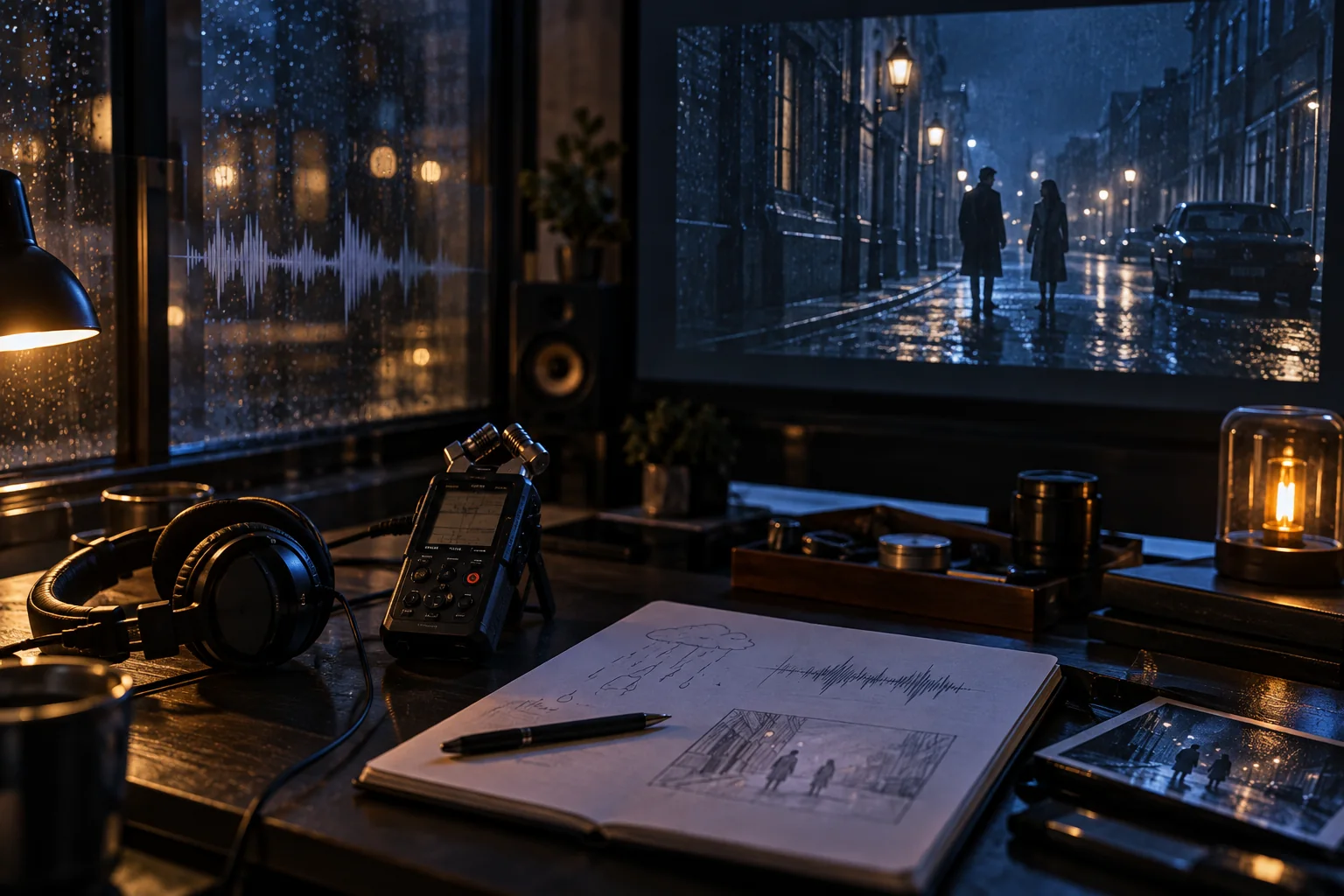
Think through ambience and rhythm where the selected model supports sound.
How to make an AI video
Start with a clear brief, choose a model in the Veo AI Free workspace, and review the first result before refining it.
01
Write a scene from scratch or add an image to define the first frame.
02
Describe the action, pace, camera move, and details that should stay consistent.
03
Choose a video model and review its available format and duration controls.
04
Play the result, then adjust one movement or framing choice for another pass.
AI video generator FAQ
Answers about free trials, image inputs, model choice, and scene direction.
Yes. You can try the generator and make a video. Available settings and later usage depend on the chosen model.
Yes. Describe a scene and its motion, then choose a model that supports text-to-video.
Yes. Select a supported image-to-video mode, upload an image, and describe the movement you want.
The generator opens with Veo 3.1 Lite. Veo 3.1 Fast, Veo 3.1 Quality, Wan 3.0, and other video models are also available.
Keep the first brief focused on one scene. State the subject, action, camera move, and details to preserve.
Create your first AI video
Write the moment you want to see or add a starting frame, then try the video generator free.