
Product and brand concepts
Prototype materials, lighting, camera moves, and settings before committing to a full production.
Claim 100 free credits, then check in daily for more
Free AI creation at a glance
Use one account to try Veo video generation and other supported AI image and video workflows.
Start without a credit card, then check in each day for more credits
Explore multiple AI models for video and image generation
Create from a written prompt or guide the result with references
Free Veo AI video creation
Veo creates video from text and images, while other supported models open up more image and video workflows. Start with 100 free credits and return each day to claim more through check-in.
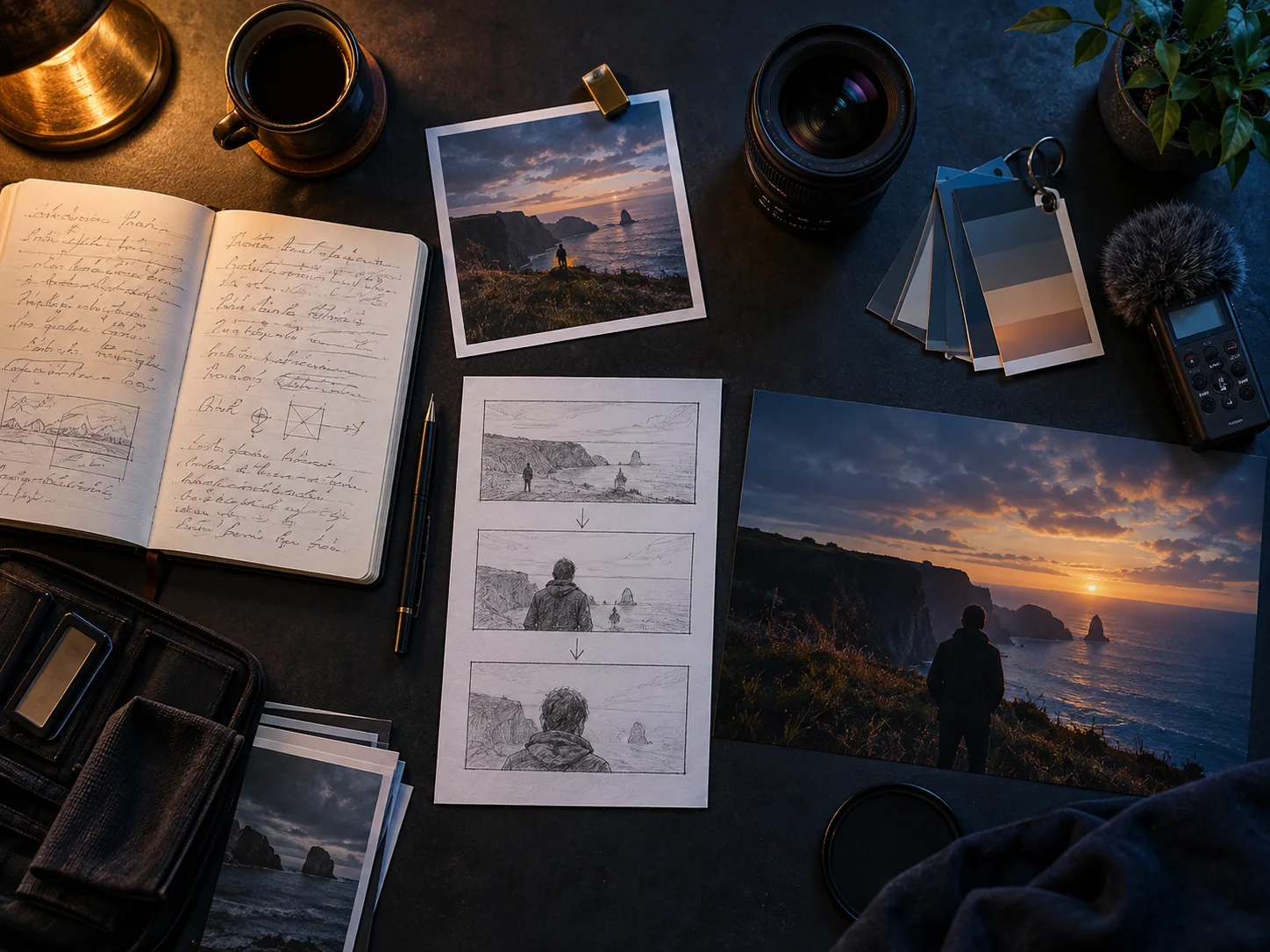
Use your starter credits for a first Veo video experiment; the credit cost varies with the selected model and settings.
Explore supported image and video models in one account, then choose the option that fits the result you want.
Write a prompt from scratch or add a visual reference to guide the subject, composition, style, and motion.
Check in every day to add more free credits to your balance; reward amounts vary through the check-in cycle.
Veo AI and multi-model workflows
Choose a model, describe the result, add references when useful, and spend your free credits only when you are ready to generate.
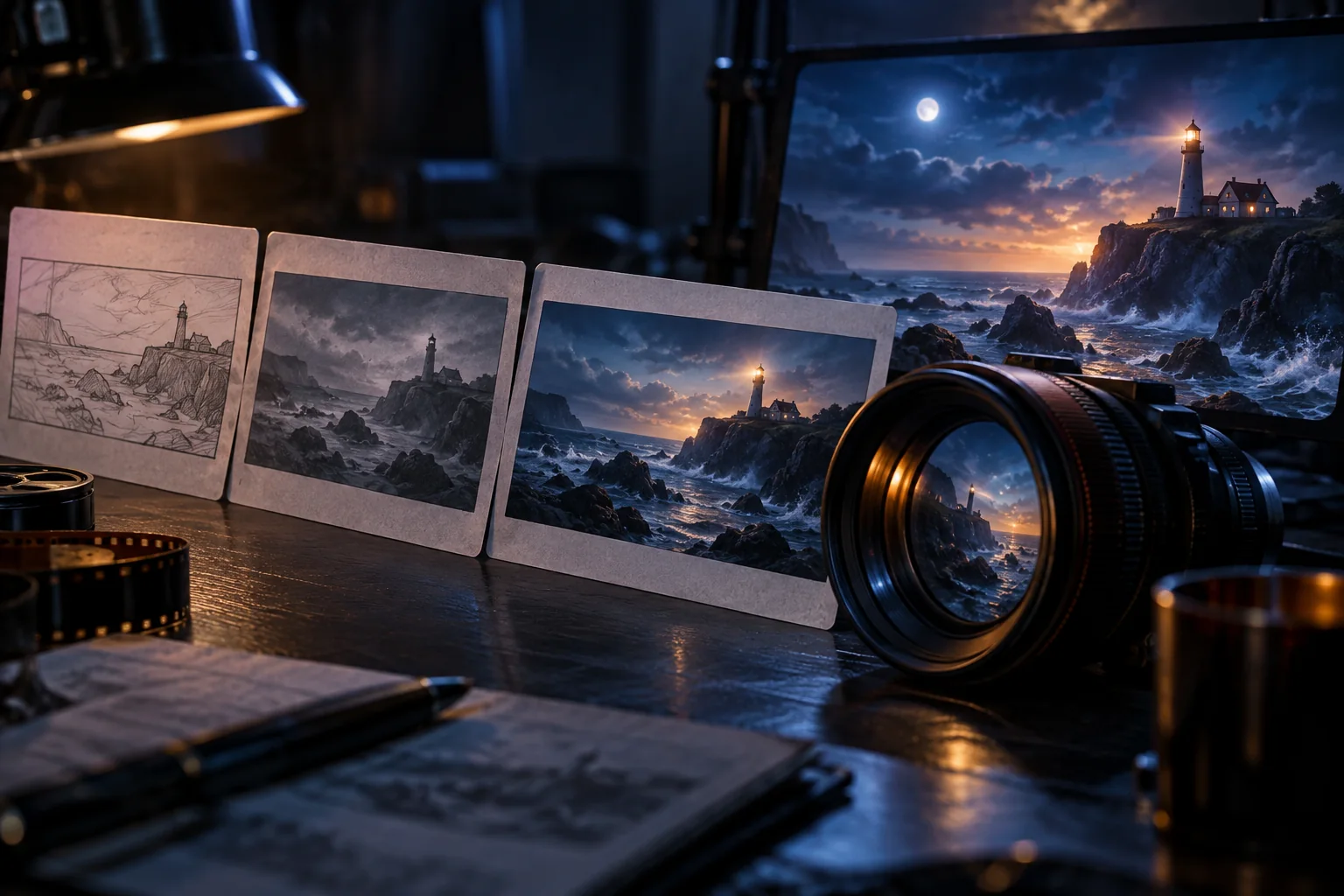
Turn a clear text brief into video by defining the subject, action, setting, camera movement, lighting, pacing, and sound.

Use a reference image to anchor the subject and composition, then describe the motion and camera behavior you want to see.
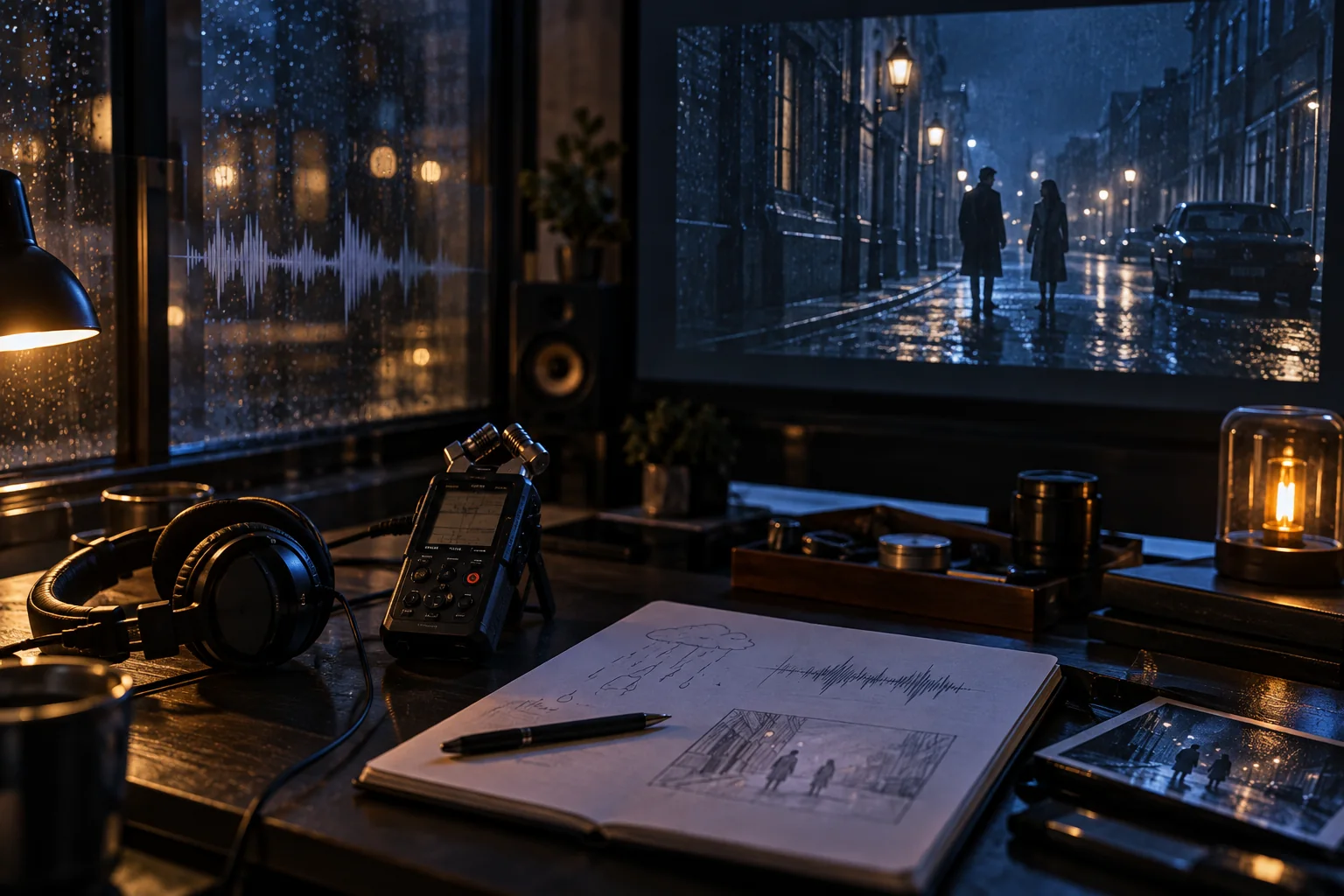
When the selected Veo model supports native audio, direct short spoken lines, sound effects, and environmental ambience alongside the visuals.
How to start free
Claim your free starter credits, choose an AI model, add a prompt or reference, and generate when everything looks right.
Sign up to claim 100 free starter credits. No credit card is required to begin.
Start with Veo for video, or explore another supported image or video model for your idea.
Describe the result you want, then add an image or other supported reference when it helps guide the output.
Review the credit cost, create your result, and return each day to check in for more free credits.
Free credits for real creative work
Use starter credits to test video and image concepts, then claim more free credits through daily check-ins.
Prototype materials, lighting, camera moves, and settings before committing to a full production.
Develop compact 9:16 scenes with clear first-frame intent, readable action, and platform-aware pacing.
Turn a script moment or storyboard panel into motion so a team can discuss rhythm, blocking, and tone.
Explore weather, natural motion, environmental sound, and cinematic texture for places that do not yet exist.
Veo AI Free FAQ
Straight answers about free starter credits, model choices, and AI video creation.
Veo AI Free gives new users 100 free starter credits and one workspace for creating with Veo video models and other supported AI image and video models.
Yes. New accounts can claim 100 free starter credits with no credit card required. Each generation uses credits based on the selected model and settings, so the free allowance is a starting balance rather than unlimited generation.
Veo 3 is part of Google's generative video model family. Google introduced it with native audio generation, stronger prompt following, improved physics and realism, and better lip sync for generated dialogue.
Supported Veo endpoints can use an image as the starting frame or visual reference. Availability and the number of accepted reference images depend on the selected model and provider.
Veo 3 introduced native audio for dialogue, sound effects, and ambience. Audio support can still vary by endpoint, provider, and selected generation settings.
Veo workflows commonly support 16:9 and 9:16. Options such as 720p, 1080p, and higher-resolution output depend on the exact model version and product endpoint.
The workspace includes multiple supported models for image and video creation. Check the current model menu for available options, capabilities, and the credit cost before generating.
Yes. Sign in and check in every day to claim more free credits. Daily reward amounts vary across the check-in cycle and are added directly to your balance.
Choose a monthly, yearly, or one-time credit plan for your AI video generation volume.
Cancel anytime
100 free credits + daily check-in rewards
Create a free account, choose a model, and turn your next idea into an AI creation. Check in daily to keep earning free credits.